Teaching With AI: A Practical Guide for Teachers
Use AI to plan lessons, teach students to question it, and stay on the right side of GDPR, copyright and the EU AI Act: a five-part approach for teachers of any subject.
Most teachers have now tried a chat assistant at least once. Fewer have a clear idea of when it saves real time, when it quietly produces nonsense, and what they are allowed to put into it. Schools are also asking the same questions as a policy: should students use AI, and if so, how do we keep assessment honest?
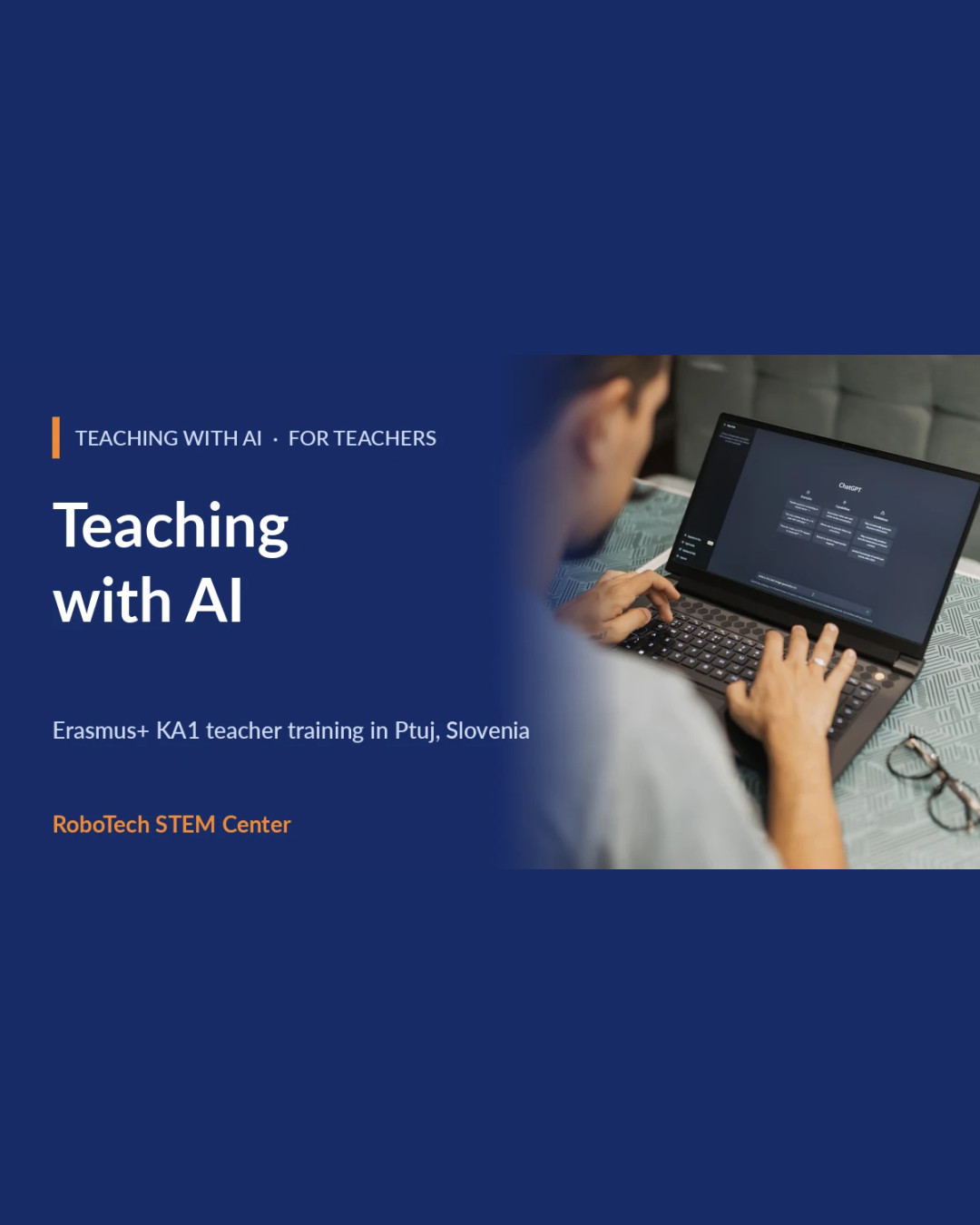
This article sets out a practical approach in five parts. It is based on our Erasmus+ course Teaching with AI: Practical Tools and Ethics for Teachers, which is open to teachers of all subjects, needs no technical knowledge and works with tools that have free access.
1. Understand what the tool actually does
A generative AI model predicts likely text (or images) from patterns it has seen. It does not look facts up, and it does not know when it is wrong. That single idea explains most of what teachers notice: fluent answers, confident mistakes, invented references. You do not need to understand the mathematics, but you do need to be able to explain this to a 13-year-old in two sentences. If you can, you can also set sensible rules for using it.
2. Use AI as a planning assistant, then check everything
The safest and most useful place to start is your own preparation. AI can help you to:
- draft several lesson ideas for a topic and pick the one you like;
- create the same worksheet at three levels of difficulty;
- turn a text into a short quiz or a set of discussion questions;
- draft a rubric that you then rewrite in your own words.
The rule is simple: the AI drafts, you decide. Read every output critically, check facts against a trusted source, and adapt it to your curriculum, your language and your students. A good prompt includes the age group, the learning goal, the format you want and any constraints. Over time, build a personal prompt library of the ones that work, so you are not starting from zero each time.
3. Teach students to use AI critically
Banning AI rarely works, and unrestricted use rarely teaches anything. A third option is to make AI the object of the lesson. Some tasks that work in class:
- Ask the AI a question, then have students find the claim in the answer that is hardest to verify and check it.
- Compare an AI answer with two human-written sources and discuss the differences.
- Ask students to improve a weak AI draft and explain each change they made.
These tasks build AI literacy and critical thinking, and the output is the student's reasoning, not the generated text.
4. Know the rules: privacy, copyright, bias and the EU AI Act
This is the part teachers most often skip, and the part schools most need.
- Personal data: do not paste names, grades, health or behaviour information about real students into a general-purpose tool. Under GDPR, that is a transfer of personal data to a third party. When in doubt, anonymise or leave it out.
- Copyright: know what the tool's terms say about the material you upload and the content you generate, and credit AI use transparently.
- Bias: models reflect their training data. Look for stereotypes in generated images and text, and talk about them with students.
- The EU AI Act: the regulation treats some uses of AI in education, such as evaluating learning outcomes, as higher-risk and expects organisations that use AI to build AI literacy among their staff. The details depend on how a tool is used, so check the official guidance and your national education authority for what applies to your school.
5. Protect academic integrity by changing the task
Detection tools are unreliable and create conflict. A better route is to design assessment where the process is visible: drafts, short oral explanations, in-class work, and a short note on how AI was or was not used. When AI use is transparent and expected, the question shifts from "did they cheat?" to "what did they learn?". We also look at how to write a short classroom or school AI policy, and our course includes a policy template you can adapt.
What a week of training looks like
- Monday: what AI is and is not, and first hands-on tasks with chat assistants and prompting techniques.
- Tuesday: AI for planning and materials, ending in a practical lab where you prepare a lesson you can use on your return.
- Wednesday: AI with students: AI literacy, fact-checking and a hands-on look at image recognition.
- Thursday: ethics, privacy and the rules, including GDPR in practice and the EU AI Act in a nutshell.
- Friday: assessment, academic integrity, and your personal implementation plan.
Roughly two thirds of the time is practical work in pairs and small international groups. Tools change quickly, so the course focuses on methods that work with any of them. Before the course we send a list of the tools we will use so you can open free accounts in advance, and we ask you to bring a few lessons or topics you want to work on.
Because the course is open to teachers of all subjects and to school leaders and staff, colleagues from the same school can attend together and leave with a shared plan.