Coding Before Reading: Robotics for Ages 4 to 10
How kindergarten and early primary teachers can teach sequencing, loops and debugging with and without screens, using VEX 123 and VEX GO, with a look at VEX AIM as the next step, plus stories and simple observation checklists.
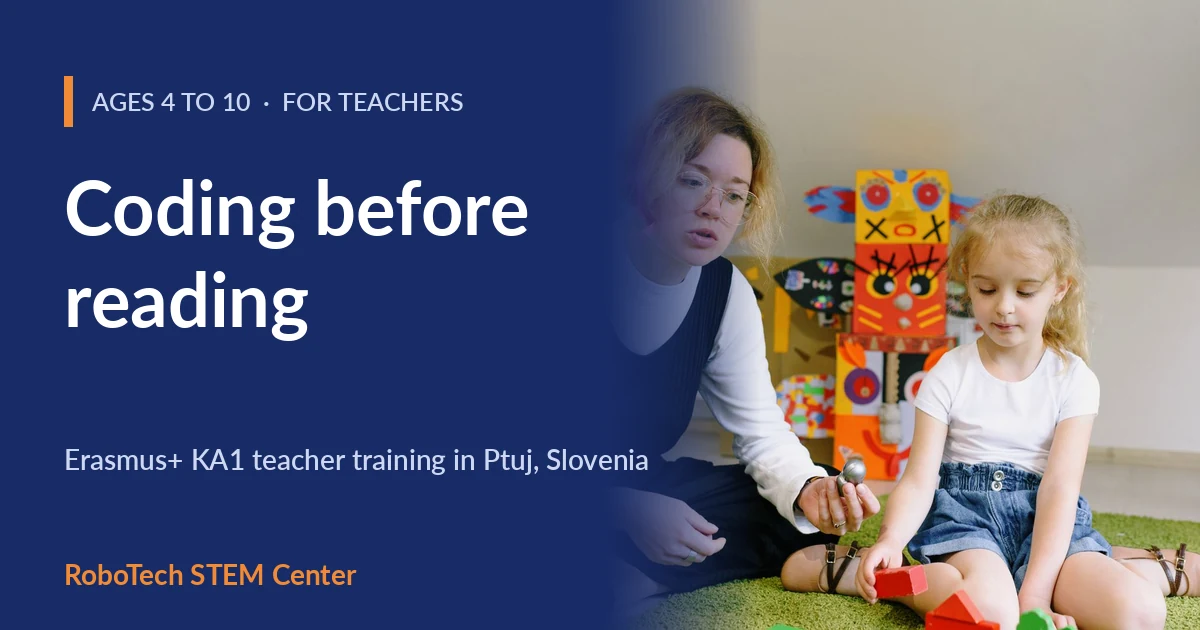
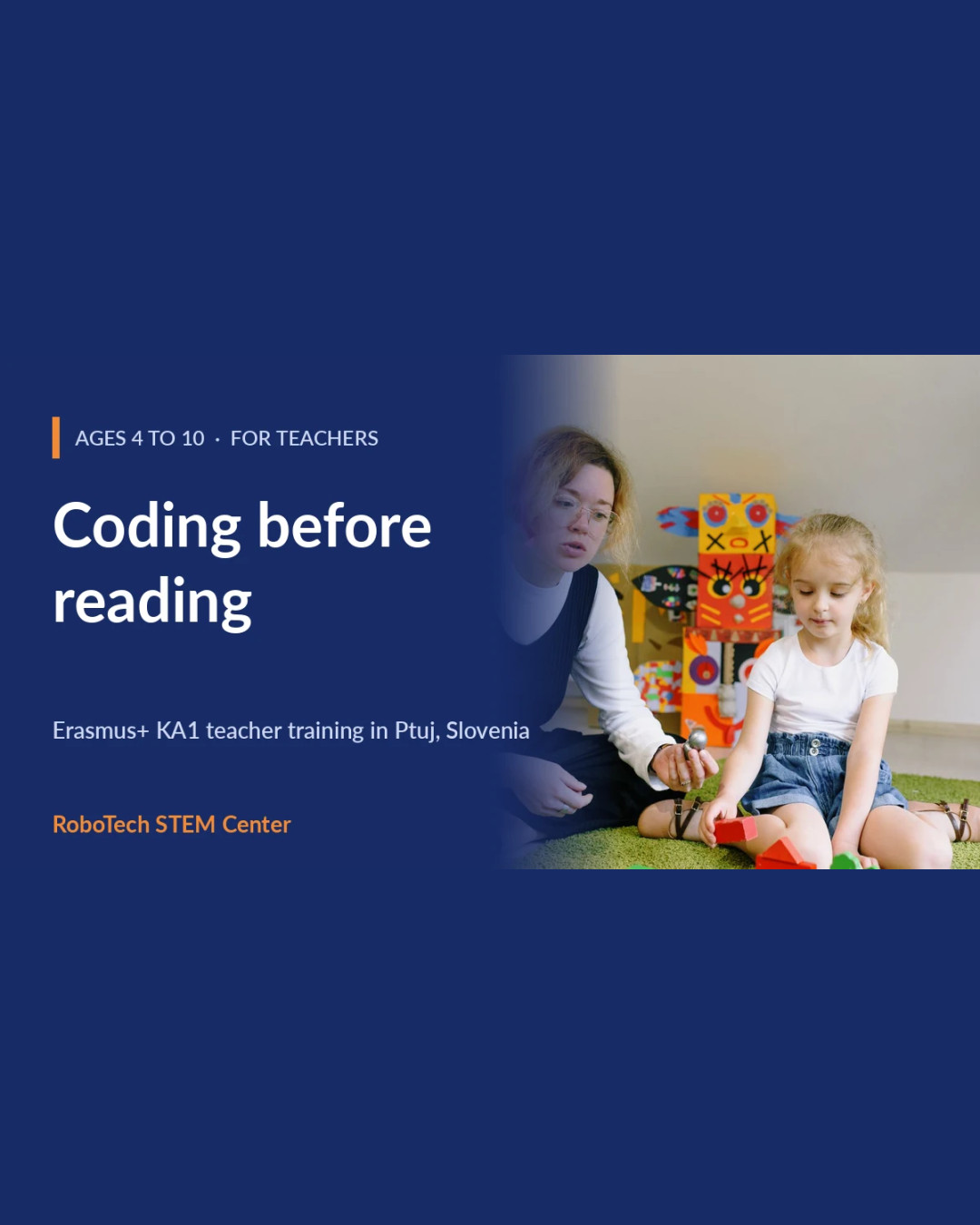
Children do not need to read, or even to hold a pencil well, to start thinking like programmers. They need something to play with, a story to follow and an adult who knows what questions to ask. Coding for the youngest learners is mostly about sequencing: what happens first, what happens next, and what do we change when the result is not what we expected.
This article gives early-years and primary teachers a practical starting point, based on our Erasmus+ course Coding and Robotics for the Youngest, which uses VEX 123 for ages 4 to 8 and VEX GO for ages 6 to 10. No robotics or programming experience is required to take the course, or to try the ideas below. Further along the path sits VEX AIM, a robot that can see and kick, which we cover in its own section below.
Start without a screen
The best first coding lesson often uses no technology at all. Ask children to guide a classmate, who plays the robot, across the room using only the instructions "forward", "turn left" and "turn right". Within minutes they discover the core ideas of programming by themselves:
- Sequence: the order of instructions matters.
- Precision: "go forward" is not enough; how far?
- Debugging: when the robot walks into the table, we find the instruction that caused it and fix it.
- Loops: "forward, forward, forward" becomes "repeat three times: forward".
Only when the children understand these ideas physically do we hand them a robot.
VEX 123: the robot you can program with cards
VEX 123 is designed for the youngest children. The small robot can be driven with a set of cards and tiles, so a four-year-old can build a "program" on the table without a tablet or any reading. When children are ready, the same robot can be programmed with a simple block-based environment, VEXcode 123, so the move from tangible to screen coding is gradual and does not feel like a new subject.
A practical tip for a busy classroom: plan robot activities of 20 to 30 minutes for small groups of four to seven children, with the rest of the class on a related, non-robot task. Rotate groups. A single kit can then serve a whole class.
VEX GO: building, moving and measuring
VEX GO is for children from about six to ten. It combines building (structures, simple machines and mechanisms) with coding in VEXcode GO. The building comes first, with a clear design goal: a vehicle that carries a load, a catapult, a bridge. Then comes the programming: blocks, loops, conditions and sensors. Children measure, estimate and compare along the way, so the activity supports maths and science objectives without feeling like a worksheet.
VEX AIM: the next step for children who are ready for more
Some children outgrow a card-driven robot quickly. For them, and for the upper end of this age range, VEX AIM is a natural next step. It is a coding robot with a colour touch screen, omnidirectional drive, six LEDs around the body, a built-in AI vision sensor and a magnetised kicker that can kick, grasp or place objects such as balls and barrels on a field. VEX describes it as built for grades 4 to 12, so it suits the oldest children in a primary class and continues into lower secondary school.
What makes it interesting for teachers working up from VEX 123 and VEX GO:
- It starts without a computer, again. A built-in Button Coding mode lets beginners make the robot move, turn and kick directly from its screen, before they open VEXcode. It is the same idea as arrow cards on the floor, on a more capable robot.
- A path from blocks to text. The robot is programmed in VEXcode with blocks, and also in Python for students who are ready for it.
- A robot that sees. The AI vision sensor detects objects and AprilTags, which gives children a concrete way to ask how a machine can "see" a ball and why lighting and position matter.
- Ready-made behaviours. Prebuilt macros let the robot move toward an object, detect objects or act out emotions, so even a first project can tell a story.
- Two robots, one project. Two VEX AIM robots can be linked to send and receive messages, a good starting point for teamwork and simple communication tasks.
Classroom ideas that work well with a robot like this: a "find the red ball and kick it into the goal" challenge, a robot that reacts to a coloured card, or a short play in which the robot acts out feelings between scenes.
A note on our courses: the Erasmus+ course Coding and Robotics for the Youngest uses VEX 123 and VEX GO. VEX AIM is not part of that programme. Teacher workshops in VEX 123, VEX AIM, VEX GO and VEX IQ already run regularly at RoboTech STEM Center for Slovenian schools, so if your school wants to continue beyond the age of ten, write to us at info@robotech.si.
Tell a story with a robot
Stories turn coding tasks into something children care about. Some ideas that work well with both kits:
- A journey map: draw a map on the floor with a start, obstacles and a destination. Children program the robot to tell the story of a character travelling from one end to the other.
- The measurement challenge: how many robot steps from the door to the window? Estimate first, then test.
- A team design task: build and program a robot that does a job (delivers a letter, rescues a toy) and present it to the class.
These cross-curricular projects link robotics with language, maths and science, which makes it much easier to justify the time in a full timetable.
Assessing very young learners
You do not need tests. Observation works better at this age: a simple checklist (can the child predict what the robot will do? can they fix a mistake? do they explain their idea to a partner?), supported by photos and a small portfolio of each child's work. In the course we cover these tools in detail, along with how to adapt every activity for different ages, abilities and special educational needs.
What the week in Ptuj looks like
- Monday: play-based learning and VEX 123, including first coding without a screen.
- Tuesday: coding with VEX 123 and VEXcode 123: story-based tasks, sequences, loops and debugging, and managing kits in a busy classroom.
- Wednesday: building and moving with VEX GO: structures, simple machines and measuring.
- Thursday: coding and STEM projects with VEXcode GO, including cross-curricular projects and adapting activities for different needs.
- Friday: consolidation, your personal implementation plan, feedback and certificates.
The course is built so that you first take the role of the child, then the role of the teacher: try an activity, reflect with peers, then plan how to adapt it for your own group. You receive activity cards, example lessons and observation sheets you can use immediately, and you work alongside kindergarten and primary teachers from other European countries, comparing how early years education works in each.
The course is taught in English and you need about B1 level. Bring your own laptop or tablet and charger. We send a short questionnaire about a month before the course so the trainer can prepare for your group.